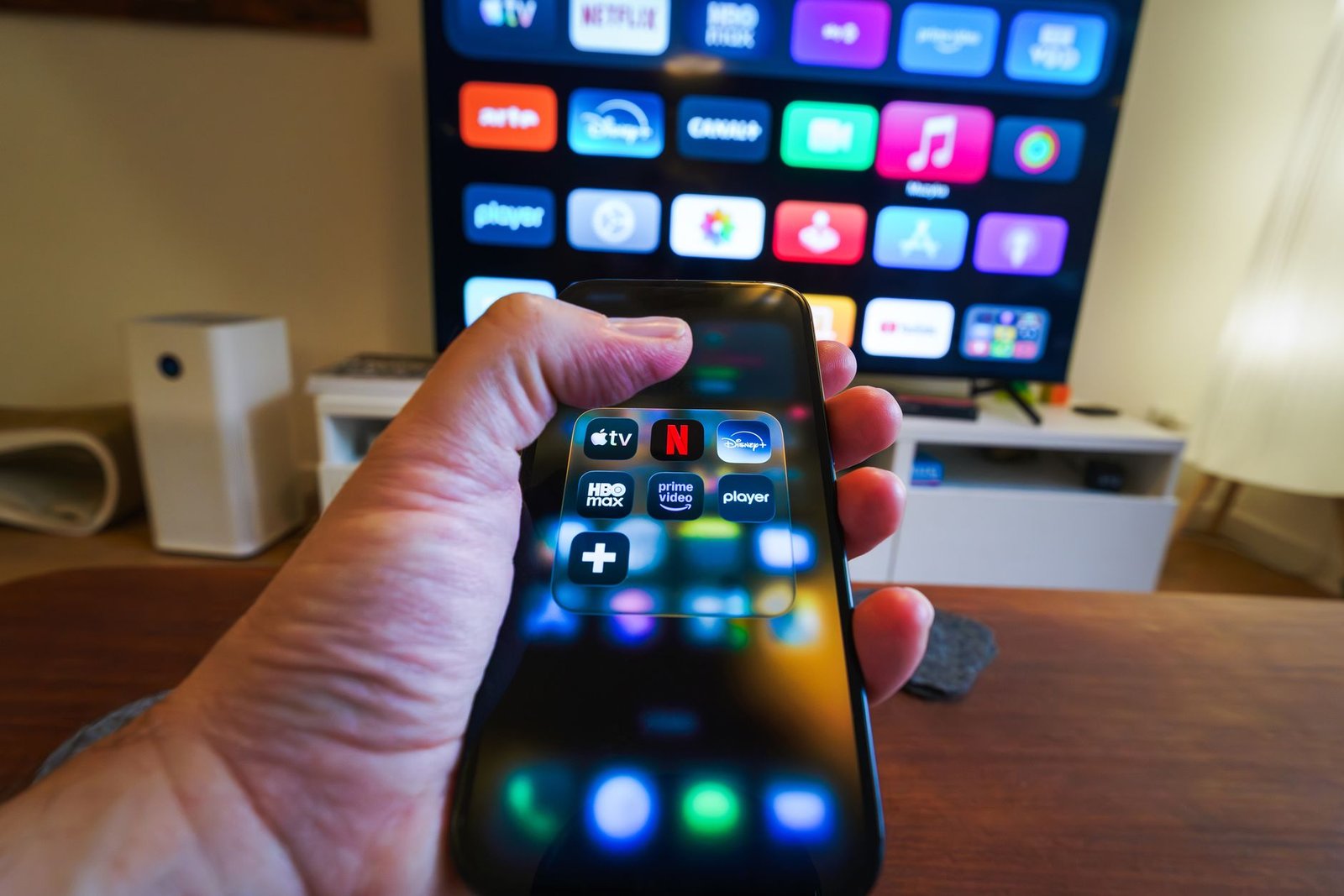
Siri features and shortcuts are essential for enhancing your smart home experience. Discover how these tools can streamline your daily tasks and improve your interactions with smart devices.
Understanding Siri’s Features
Siri, Apple’s voice-activated assistant, offers a range of features designed to enhance user experience and streamline daily tasks. Understanding Siri’s features can significantly improve how you interact with your devices.
Some of the key features include:
- Voice Commands: Users can initiate various tasks simply by speaking, making it easier to multitask.
- Smart Home Integration: Siri can control smart home devices, allowing users to adjust lighting, temperature, and security settings effortlessly.
- Shortcuts: This feature allows users to create custom voice commands for specific tasks, enhancing productivity.
- Information Retrieval: Siri can provide quick answers to questions, set reminders, and send messages.
By utilizing these Siri features and shortcuts, users can enjoy a more efficient and personalized experience with their Apple devices.
How to Create Shortcuts with Siri
Creating shortcuts with Siri is an excellent way to enhance your smart home experience. These shortcuts allow you to automate tasks and streamline your daily routines.
To create a shortcut, follow these simple steps:
- Open the Shortcuts app: This app is pre-installed on your iPhone or iPad.
- Tap the “+” icon: This starts a new shortcut.
- Select actions: Choose from a variety of actions, such as sending a message, controlling smart home devices, or playing music.
- Assign a Siri phrase: This is the command you will use to activate your shortcut.
- Test your shortcut: Make sure it performs as expected when you use your voice.
With these steps, you can maximize Siri features and shortcuts for a more efficient smart home setup.
The Impact of Siri on Smart Home Devices
The impact of Siri on smart home devices has been transformative, allowing users to control their environments with simple voice commands. By integrating Siri features and shortcuts, homeowners can streamline their daily routines and enhance convenience.
With the ability to connect to various smart home technologies, Siri enables users to manage lighting, temperature, and security systems effortlessly. The voice assistant can perform tasks such as:
- Adjusting thermostat settings
- Turning lights on or off
- Locking doors or checking security cameras
- Setting reminders for household chores
Furthermore, the customizable shortcuts allow users to create specific commands for complex actions, such as “Good Night,” which can turn off lights and lock doors simultaneously. This level of integration not only simplifies tasks but also enhances the overall smart home experience.
Tips for Optimizing Siri’s Abilities
To maximize your experience with Siri, consider these tips for optimizing Siri’s abilities. Firstly, ensure that your device’s software is up to date, as updates often enhance Siri’s performance and introduce new features. Secondly, take advantage of the Siri features and shortcuts by customizing commands for your most-used apps, making your interactions quicker and more efficient.
Additionally, try using specific phrases for common tasks; for example, instead of saying “turn on the lights,” say “turn on the living room lights.” This specificity can improve recognition accuracy. Remember to regularly review and adjust your shortcuts to match your evolving needs. Lastly, explore Siri’s integration with third-party apps to unlock a wider range of functionalities, allowing you to control your smart home devices seamlessly.
With these strategies, you can enhance Siri’s capabilities and create a more intuitive smart home experience.